Building-specific QR access
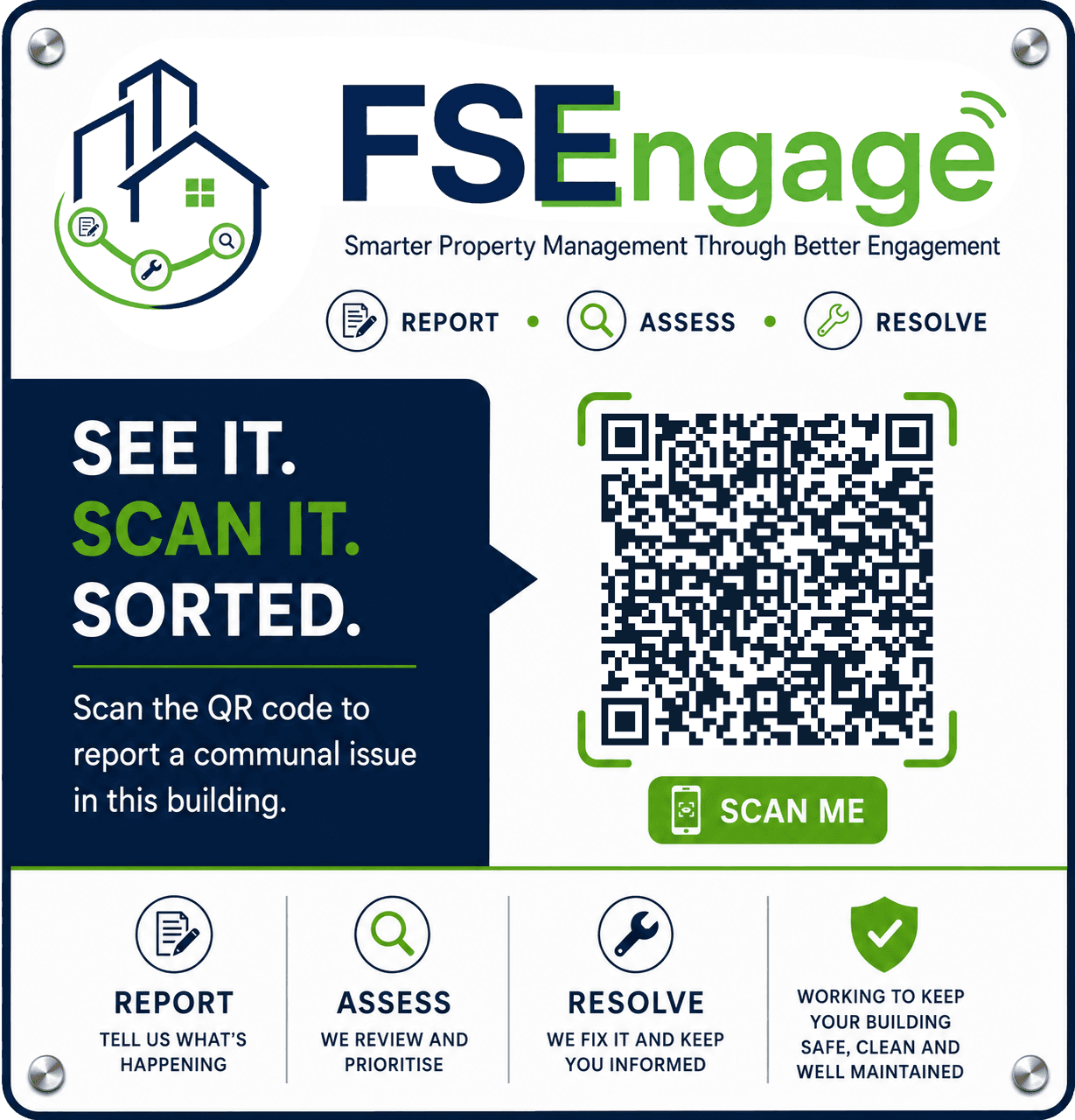
Each active block can have a secure reporting route that opens directly from a sign in the communal area.
Resident reporting
FSEngage gives residents a simple way to report communal issues and gives property teams structured information they can assess, assign and progress with less administration.
A practical reporting channel
Each active block can have a secure reporting route that opens directly from a sign in the communal area.
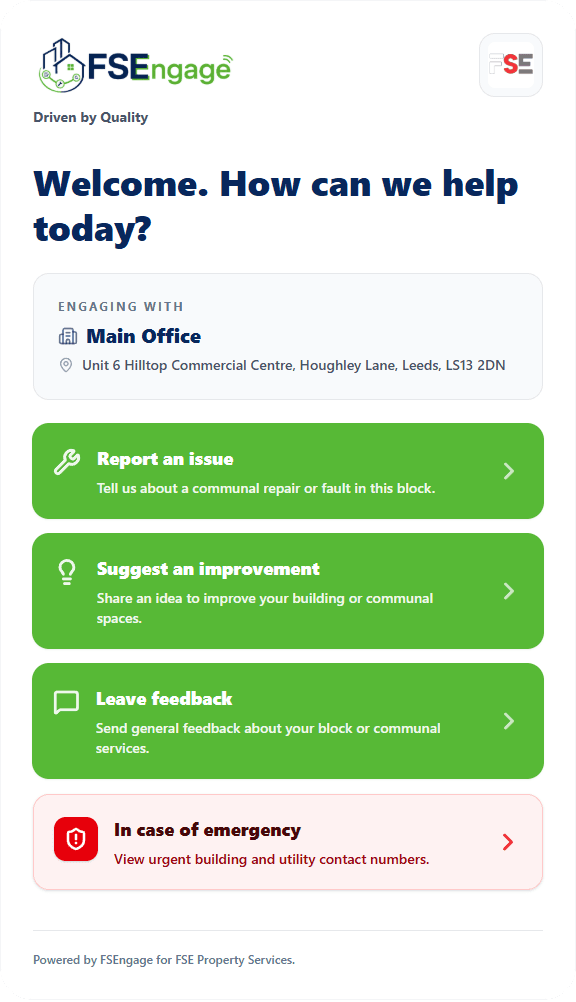
Residents use a mobile-first browser journey, reducing friction at the moment an issue is noticed.
Prompts capture where the issue is, what has happened and the information teams need to assess it.
Optional evidence helps office teams understand condition and urgency before arranging attendance.
Reports arrive in a consistent operational view for review, ownership, SLA handling and progression.
Configured email, status and optional WhatsApp workflows help residents understand what happens next.
How resident reporting works
The resident scans the building sign at the point where support is needed.
They select the relevant resident task, such as reporting a fault or leaving feedback.
Guided questions capture location, issue type, description and contact preferences.
Photos can be added where they help the team understand condition and urgency.
The property team receives a structured record ready for triage, assignment and action.
Better outcomes for everyone
A clear route to the right team, fewer repeated explanations and a more confident reporting experience.
Better first-time information, less manual re-entry and a clearer view of demand across communal buildings.
Protected evidence, secure links and more useful context before contractors or engineers attend site.
Resident reporting FAQs
No. The reporting journey opens in the resident’s mobile browser from a building QR code or secure link.
Yes. Communal blocks use secure building-specific tokens, allowing the reporting journey to resolve the correct property context without exposing database identifiers.
Yes, where photo evidence is enabled. Uploaded evidence is stored privately and delivered through protected application routes rather than a public file directory.
Organisations can configure resident task cards such as report an issue, suggest an improvement, leave feedback or show approved emergency contact information.
No. Public resident routes and private engineer information are separated. Engineer site packs and protected documents require authorised portal access.
Ready to improve the resident journey?